
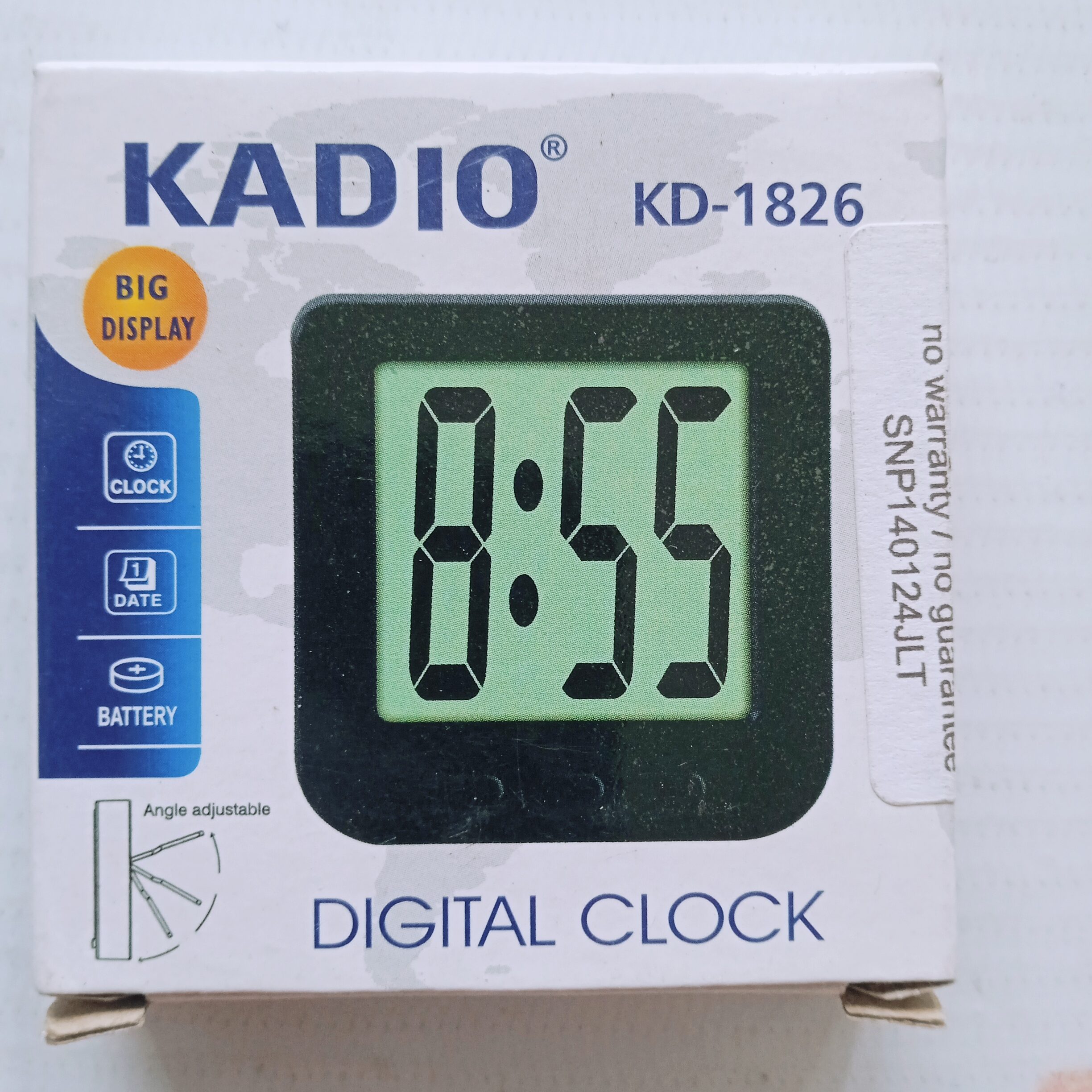

The Kadio KD-1826 is a compact digital clock often used for desks, car dashboards, or refrigerators due to its magnetic back and foldable stand.
How to Set the Time
While specific instructions for the KD-1826 model vary slightly across sources, most Kadio digital clocks follow this general procedure using the buttons (usually three: Mode, Up/Set, and Down/Adj) found on the front or back:
- Enter Setting Mode: Press and hold the Mode button for approximately 2–3 seconds until the digits (usually the hours or seconds) begin to flash.
- Toggle Time Format (Optional): If the clock allows, use the Up or Down buttons to switch between 12-hour and 24-hour formats. Press Mode again to move to the next setting.
- Adjust Hours: Use the Up/Set or Down/Adj buttons to change the hour. Pay attention to the “P” or “PM” indicator if using the 12-hour format.
- Adjust Minutes: Press the Mode button once more to make the minutes flash. Use the Up/Set or Down/Adj buttons to set the correct minutes.
- Set Date (If applicable): Some models will cycle through the month and day after the time is set. Continue using the adjustment buttons and the Mode button to confirm each entry.
- Exit: Once the correct time is set, press the Mode button one last time, or wait a few seconds for the flashing to stop and the clock to return to normal display mode.
| Material | Plastic |
| Type | Digital |
| Size/Dimension | 6 cm x 6 cm |
| Color | Black |
| Model Name/Number | KD-1826 |
| Shape | Square |
| Packaging Type | Box |



Reviews
There are no reviews yet